

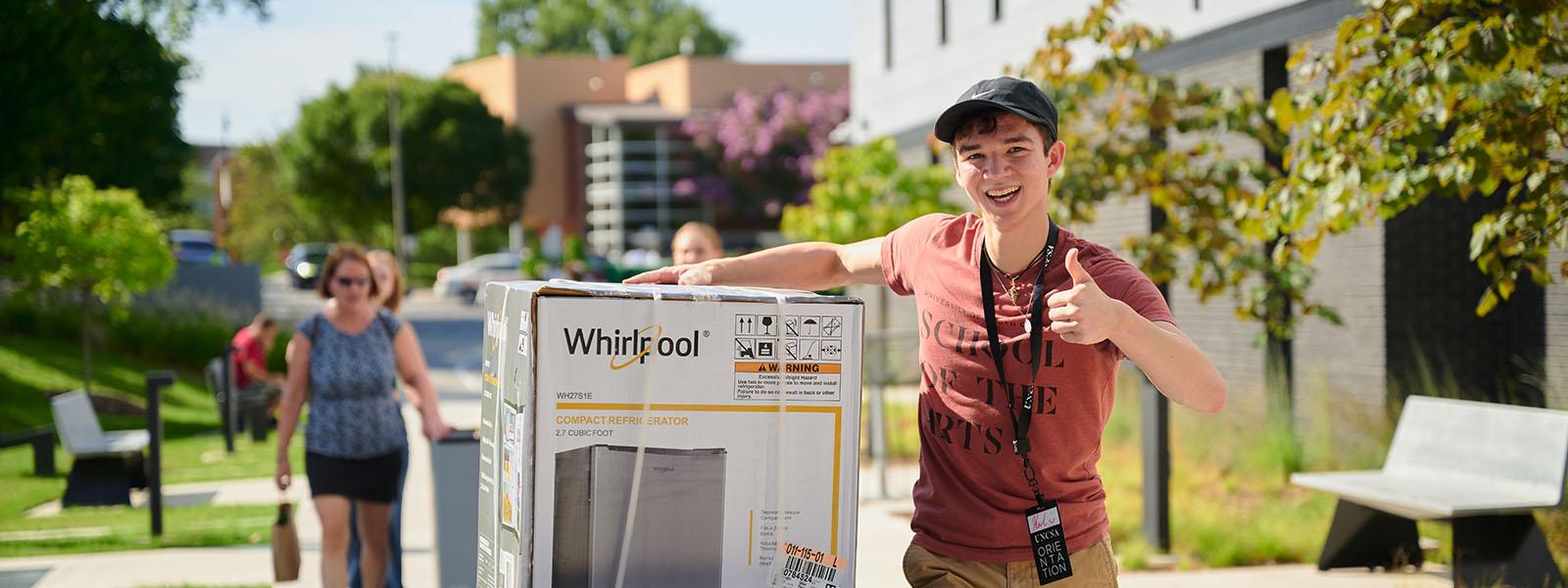
What To Pack for Graduate Students
Not sure what to pack? Don't worry, we've got your packing list of materials, supplies and suggestions to bring to to Winston-Salem as well as your first day of classes.
What your art school requires you to bring
Each art school has a list of materials and supplies unique to that art conservatory.
Filmmakers
Incoming students to the UNCSA School of Filmmaking are required to have a Mac computer for their class and production work, along with specific software. The School of Filmmaking has developed partnerships with Apple Inc., Adobe Systems Incorporated and Final Draft, Inc. to provide the latest technology at the best prices available.
UNCSA School of Filmmaking requires all incoming students to purchase three items:
- A MacBook Pro computer with the latest operating system;
- The AppleCare warranty (to keep your computer working); and
- Final Draft screenwriting software.
Follow the instructions below on how to get your Apple MacBook Pro and Final Draft software.
Apple MacBook Pro (with extended AppleCare warranty)
Each incoming student is required to purchase an Apple MacBook Pro with the latest operating system and Final Draft screenwriting software. Students will also be using Adobe Creative Cloud, the license for which is provided by UNCSA at no additional cost. The 14” Macbook Pro is recommended for editing. You should purchase the Apple M3 Pro model with 12-Core CPU, 18-Core GPU, 1TB SSD Storage and 18GB of unified memory.
The less expensive 14" MacBook Pro can be used also. If you choose to buy the Apple M3 model with 8-core CPU, and 10-core GPU, with 1TB SSD Storage and 8GB of unified memory. We strongly recommend adding the AppleCare Warranty option to protect your computer investment. The warranty does not cover water damage or neglect.
We also recommend that all incoming students purchase a Tripp-Lite U442-DOC 1 USB-C Docking Station (or an equivalent) to provide substantially more connectivity for their laptop (link below), as well as an external USB3 hard drive (at least 1 terabyte) with USB-C or USB3 interface, for editing and backup purposes. We strongly recommend adding the AppleCare warranty option to protect your computer investment.
https://www.amazon.com/Tripp-Lite-Ethernet-Charging-U442-DOCK1/dp/B01N9C5RP0
UNCSA SHOP APPLE ONLINE(OPENS IN NEW TAB) (NOT DELETED)
Once you have entered our custom online Apple Store for Education:
- Select a MacBook Pro portable computer.
- Select any special options to customize your computer.
- Add the AppleCare warranty to your checkout cart at the Apple Store.
Software
The MacBook Pros are not pre-bundled with screenwriting or editing software. You will have to purchase these programs separately. We have arranged for you to obtain the software at a discounted student price. Prices are subject to change.
Adobe Creative Cloud Software License
Adobe Creative Cloud is available to all currently enrolled UNCSA students as part
of their tuition and fees. Students will receive an invitation via their UNCSA email
address with instructions on how to access and/or download the apps for mobile and
desktop.
Final Draft Software
All incoming students are required to purchase Final Draft Screenwriting software.
You can purchase this software for a one-time educational discount of $99.99.
FINAL DRAFT SCREENWRITING SOFTWARE
Textbooks
Expect to spend $500 for required textbooks in this year. Any required textbooks will be listed on the syllabus for each of your courses. Arrive prepared for your classes by having all of the required equipment, especially your Apple MacBook Pro laptop, along with notebooks, pens and pencils.
Safety Equipment
You will need the following items to work on set safely and responsibly. These items are available in the Winston-Salem area, but you are encouraged to purchase them in your area and bring them with you.
- One pair of leather palm work gloves
- A warm weatherproof coat for any wet, late-night productions
- A weatherproof backpack or book bag
- A multi-purpose tool such as the Leatherman or Gerber tools that include a flat-head screwdriver
- A 4-in-1 screwdriver
- A few Sharpie markers
- A small flashlight or headlamp flashlight
- A pair of good stereo headphones for listening to sound on your computer
- Supply of C47s (Wooden Clothespins)
- Class 3 or higher, 32GB or 64GB SD or SDHC Media Card
- UHS-I SDXC Media Card
Musicians
Music students are responsible for providing the necessary music materials and supplies for art-related study. Some items are needed by all music students, while other items are specific to a particular instrument or area of study. Below are two lists, one giving items all music students should have and the other giving representative examples of items specific to individual students.
Items needed by ALL Music students:
- Pencil with a working eraser, to be brought to every lesson and rehearsal;
- Notebook(s), to be used during lessons, master classes, and other activities;
- Music (manuscript) paper;
- Some kind of datebook (either digital or paper);
- Fold-up music stand to be used during individual practice, chamber ensemble rehearsals, and master classes [this applies only to brass, guitar, harp, string, and woodwind students];
- Concert dress clothes (the appropriate clothes to have will be determined by the ensemble in which you are assigned to perform); and
Design & Production
Please be sure to have the following items before arriving on campus and before the start of your classes in the School of Design & Production. Contact the head of your program if you have questions.
Computer Requirements
- Computer Requirements are defined by area of concentration, please contact the Director of your concentration for what might be required, with the exception of Sound Design which is described below.
Sound Design Student Requirements:
Apple MacBook Pro:
- Thunderbolt Port
- Ethernet port or Thunderbolt to Ethernet adapter
- 16 GB minimum system RAM
- 70 GB or more of available storage space for Logic sound libraries
- AppleCare Protection Plan
Software: Apple LogicX available via the Mac App Store
Thuderbolt Drive:
- 500 GB minimum size
- SSD preferred by rotational HDD acceptable
- Thunderbolt cable
- Bus Powered drive, highly recommended
Class Supplies & Textbooks
Students are personally responsible for obtaining their own supplies and equipment for all classes including Production (such as drafting equipment, shop hand tools and drawing and design supplies), as well as required (or recommended) textbooks for courses. Expenditures will be heaviest during the first year, as students make major investments in equipment that they will use for the rest of their professional careers. Students not already owning some of the necessary equipment and supplies needed should be prepared to spend $500 to $750 or more during the early part of their first year. Many incoming students have questions about equipment, tools and supplies. Listed below are a number of items that, if you already own, you should bring with you. If you do not already own these items, please wait until you arrive to acquire them so that your instructors can give you guidance on the types of equipment and quality you should be looking for.
- Drafting equipment and supplies
- Drawing and painting supplies (brushes, paints, paper, scissors, etc.)
- A good drawing or drafting lamp for use in your own room
- Basic shop hand tools: One nail apron
- One 16 ounce claw hammer
- One #2 Phillips screwdriver
- One #2 Square Head drive (Prop majors only)
- One pair of pliers
- One pair of end cutting nippers
- One Architect’s scale ruler
- One 8 inch Crescent wrench
- One utility (matte) knife
- One combination square or speed square
- One 16 foot tape measure (minimum)
- One 3/8 drive ratchet with 7/16 and 9/16 sockets (Scenic Technology and Prop majors only)
- One flashlight
- One pair of craft scissors (Prop majors only)
- One pair of fabric scissors (Prop majors only)
- Pencils
- One container to keep it all in
Safety Equipment
- One NIOSH-approved respirator with organic vapor cartridges and pre-filters. (welding gas and dust filters as needed)
- One pair of ANSI-approved Safety Glasses
- Several pair of foam-type hearing protectors or head-set style ear protection
- One ANSI-approved Hard Hat
- One pair of work gloves
All new Design and Production students are required to own a NIOSH-approved respirator with organic vapor cartridges and pre-filters. This is for your safety and benefit. These respirators are designed to prevent the breathing of harmful substances. These substances include particulates, dusts, fogs, mists, sprays, smokes, vapors or gasses.
Each student will be scheduled for a respirator fitting and testing. Refer to your orientation schedule. At that time, you may purchase a 3M 6000 series mask with replaceable organic vapor cartridges and replaceable N95 Pre-filters. It is mandatory that you be tested for proper fit of your respirator and be trained in how and when to use it in a safe manner.
The cost for both the 3M Respirator and fit test is $45 ($ 20 for the fit testing and $ 25 for the respirator). In addition, the required safety glasses and hard hats are offered for sale for $10 for the set. An extra pack of cartridges and filters are available for $15 for the set. Safety glasses are $5. These items and services may be paid by cash or check only. Credit cards are not accepted. The company performing the fit testing and providing the masks is Rayco Safety, Inc., from Yadkinville, NC. http://www.raycosafety.com.
Note: If you already own a NIOSH-approved respirator and are certain you can purchase replacement filters in Winston-Salem, and can pass a qualitative fit test, you will only need to pay for the fit-testing. If you have a medical reason for not wearing a respirator, bring documentation with you to the first D&P or Visual Arts orientation meeting.